WhatsApp Flows · Guided Customer Journeys
What Are WhatsApp Flows and How Can Businesses Use Them?
A practical guide to guided forms inside WhatsApp, their business use cases, integration requirements and design principles.
Direct answer
WhatsApp Flows collect structured information inside a guided WhatsApp journey
A Flow can replace a long sequence of free-text questions with purpose-built screens, choices and input fields. It is useful when a business needs consistent information before taking an action.
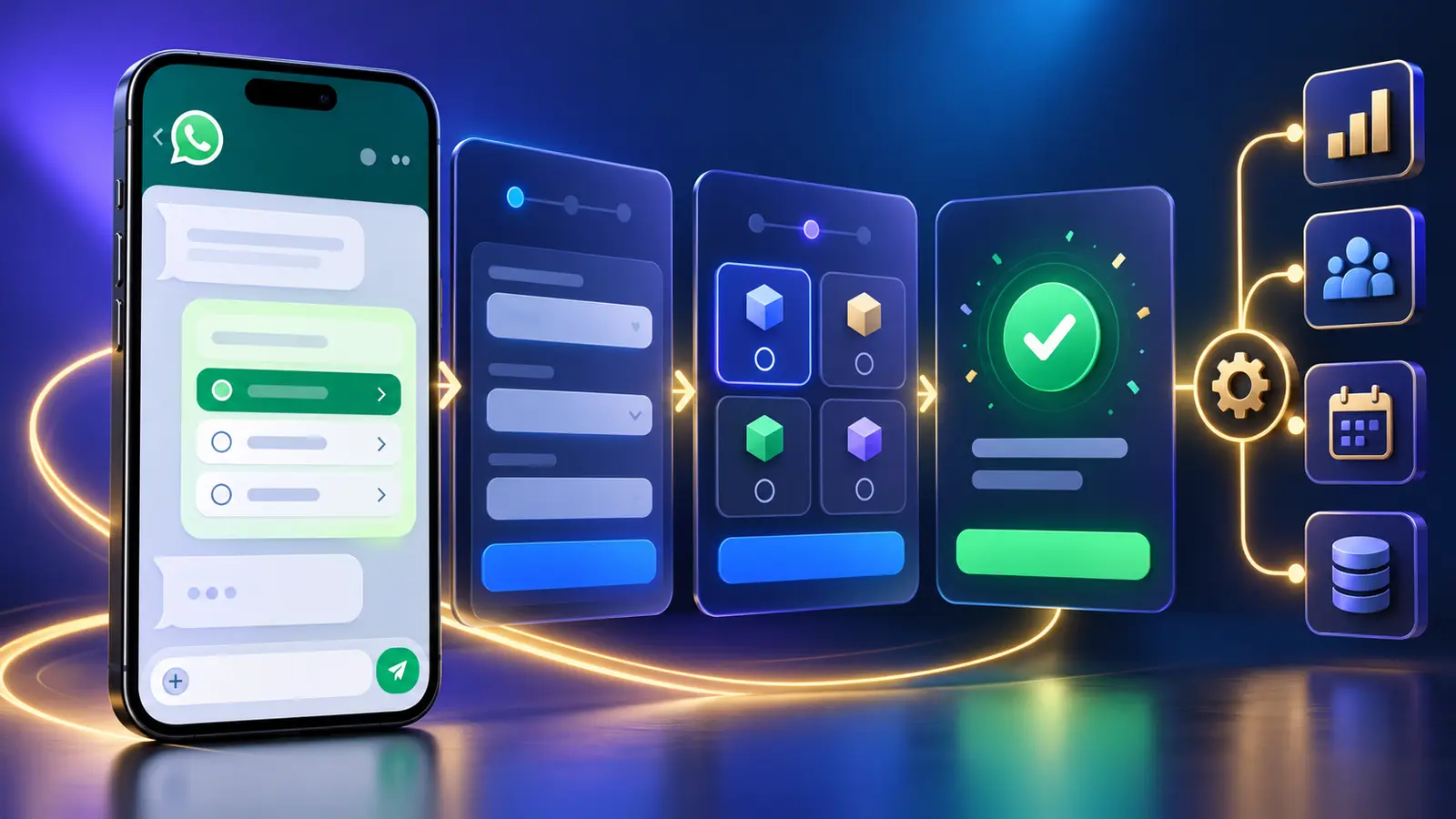
WhatsApp Flows are guided interfaces that can collect structured customer input within WhatsApp. A Flow is the data collection experience, not the complete automation. A backend integration or connected business system still needs to validate the submission, create or update records, handle errors and trigger the next business action.
Capabilities and boundaries
What a WhatsApp Flow can do, and what it cannot do alone
Collect consistent information
Use choices, fields and guided screens to obtain the details needed for an enquiry, request or booking.
Reduce conversational friction
Present relevant questions in a logical order instead of asking the customer to type every answer.
Start a business process
A submitted Flow can provide data for lead capture, ticket creation or another action when an integration is configured.
It does not replace integration
The Flow does not by itself create an Odoo lead, verify a ticket or assign responsibility.
It does not remove human support
Customers need a suitable route to a person for exceptions, complaints and sensitive matters.
It needs governance
Fields, access, retention, errors and changes must be managed as part of the service.
End-to-end process
How a WhatsApp Flow moves from customer screen to business action
Use cases
Business journeys suited to WhatsApp Flows
Flows work best when a customer has a clear goal and the business needs a known set of fields.
Sales qualification
Collect the service of interest, location, budget range or preferred contact method before creating an enquiry.
Support intake
Capture the issue category, product, reference and description before opening a support request.
Callback requests
Ask for a preferred time and context so the responsible team can respond efficiently.
Appointments and registrations
Collect availability and required details, subject to real-time validation and booking integration.
Design principles
How to design a Flow customers will complete
Good Flow design respects the customer's time and makes the outcome clear.
Start with the outcome
Define the record or action the submission should create before designing screens.
Ask only what is necessary
Every extra field increases effort and data handling responsibility.
Use plain language
Labels, choices and instructions should be easy to understand on a phone.
Provide recovery paths
Explain validation errors and offer another contact route if the process cannot continue.
Plan human handover
Do not trap customers in automation when judgement or empathy is needed.
Test on real devices
Check common, incomplete, duplicate and failure scenarios before launch.
Connected authority guide
See how the complete WhatsApp business automation model fits together
This article forms part of TekkPak's connected guide to WhatsApp Flows, CRM, Helpdesk, messaging rules and implementation planning.
Choose your next step
Turn this topic into a practical workflow for your business
Discuss Your WhatsApp Automation Requirement
Describe the customer journey and business outcome you want to improve. TekkPak can help assess the Flow, integration and operating process.
Speak with a Solutions Consultant
Call our office to discuss WhatsApp, Odoo CRM, Helpdesk and workflow automation.
Share Your Workflow by Email
Send the current process, systems involved and the result your team needs.
Frequently asked questions
Questions businesses ask about WhatsApp Flows
Is a WhatsApp Flow the same as a chatbot?
No. A Flow presents guided screens for structured input. A chatbot manages conversational responses. They can be used together.
Can a Flow create an Odoo lead?
A connected integration can use Flow data to create or update an Odoo CRM record. The Flow alone does not perform the CRM action.
Can a Flow create a Helpdesk ticket?
Yes, when the required integration, permissions and Helpdesk configuration are available.
Should every customer journey use a Flow?
No. Simple questions may be better handled conversationally, while complex or sensitive matters may require a person.
What information should a Flow collect?
Only the information necessary for the intended outcome, with appropriate notice, access and retention controls.
How should failures be handled?
The customer should receive clear guidance, and the business should log the error, avoid duplicate records and provide an alternative contact path.
Design a WhatsApp Flow around a real business outcome
TekkPak Technologies can help map the screens, integration and operational responsibilities behind a customer journey. Existing customers can also use the TekkPak customer portal.
Discover more from TekkPak Technologies
Subscribe to get the latest posts sent to your email.