Odoo 20 ERP & CRM Implementation & Support for Growing Businesses
Bring CRM, Sales, Purchase, Inventory, Accounting, Projects, Expenses and other business workflows into one connected Odoo environment with assessment, configuration, migration, automation and ongoing support from TekkPak Technologies.
What Is Odoo and What Can TekkPak Implement?
Odoo is an integrated suite of business applications covering CRM, Sales, Accounting, Inventory, Purchase, Project, HR, Point of Sale, eCommerce and more. Odoo 20 is the current major release.
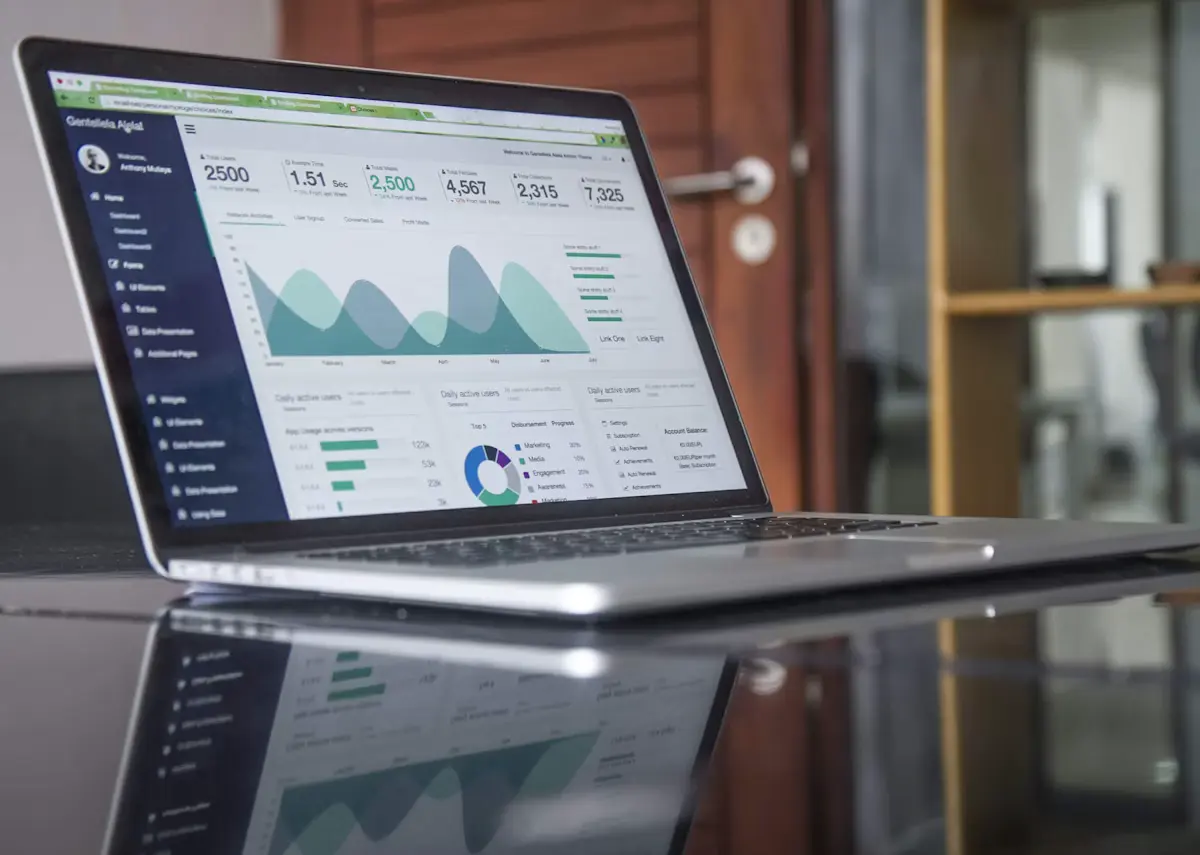
Odoo 20 Brings More Automation and AI Into Everyday Work
Odoo 20 was unveiled in September 2026. The release continues Odoo's move toward simpler workflows and deeper AI assisted automation while retaining the connected application model that makes Odoo valuable as an ERP and CRM platform.
Start With a Defined Scope, Then Expand With the Business
TekkPak's initial Odoo practice focuses on configuration led projects that can be clearly assessed, implemented and supported.
Odoo ERP Assessment
Review processes, users, applications, data, approvals, reporting and integration requirements before choosing modules.
Request AssessmentOdoo Quick Start
Configure selected apps, companies, users, access rights, master data, basic workflows and standard reporting.
Explore AppsData Migration Assistance
Prepare and import agreed master data and opening information from spreadsheets or existing systems.
Discuss MigrationOdoo Studio & Automation
Add fields, views, approvals, automation rules, reports and other configuration led customizations.
Explore StudioOdoo Integration Services
Assess supported integrations with communications, external applications, APIs and automation tools.
Explore IntegrationsOdoo Managed Support
User assistance, configuration changes, troubleshooting, reporting help and workflow updates.
Explore SupportBuild the ERP Around the Processes You Need First
Odoo works best when applications are introduced around connected business processes rather than installing everything at once.
CRM & Sales
Manage leads, opportunities, activities, quotations, orders and customer follow up.
Purchase
Structure RFQs, vendor selection, purchase orders and purchasing activity.
Inventory
Manage stock, warehouse operations, replenishment, lead times and product movements.
Accounting & Invoicing
Double entry accounting, financial reports, receivables, payables and multi currency flows.
Projects & Expenses
Coordinate tasks, timesheets, project work and employee expenses.
Website, eCommerce & POS
Connect customer facing sales channels with products, orders, inventory and back office workflows.
Standard or Custom? The Architecture Matters
Odoo's current pricing model includes One App Free, Standard and Custom. TekkPak recommends the plan according to workflow, customization, integration and hosting requirements rather than price alone.
Useful for organisations that genuinely need one Odoo application and its dependencies.
- One app
- Unlimited users under the current offer
- Odoo Online
For configuration led use on Odoo Online without advanced customization requirements.
- All included apps
- Odoo Online
- No external API entitlement under the current model
For multi company, Studio, agentic AI, external API, custom development or alternate hosting requirements.
- All included apps
- Odoo Online, Odoo.sh or on premise
- Odoo Studio
- Agentic AI
- Multi company
- External API
Odoo Studio: Adapt the System Without Starting With Custom Code
Odoo Studio can customize applications without conventional module development. It is useful when the requirement can be solved through fields, views, approvals, automation and reports.
The Value Comes From How the Apps Work Together
Lead to Cash
CRM opportunity → quotation → order → delivery → invoice → payment tracking.
Purchase to Stock
Requirement → RFQ → purchase order → receipt → inventory → vendor bill.
Inventory Replenishment
Use demand and replenishment rules to reduce manual stock monitoring.
Project to Billing
Tasks and timesheets can feed service billing where appropriate.
Expense to Accounting
Approved employee expenses can connect into the wider finance process.
AI Assisted Automation
Odoo 20 AI server actions can assist decisions inside controlled automations.
Configure Finance Carefully: ERP Is Not Tax Advice
Odoo 20 Accounting supports double entry bookkeeping, multi currency, receivables, payables, financial reporting, reconciliation, budgets and assets. Pakistan specific tax and FBR requirements still need to be validated for the customer's business and current localization.
Core Accounting
Chart of accounts, journals, invoices, bills, receivables, payables and standard reports.
Local Requirements
Tax, withholding, FBR digital invoicing and statutory reporting should be assessed before commitment.
Responsibility
TekkPak configures the agreed ERP workflow; qualified advisers remain responsible for tax and accounting interpretation.
Connect Odoo With Communications and Customer Engagement
TekkPak's communications and automation portfolio creates useful integration opportunities around Odoo CRM.
3CX + Odoo CRM
3CX Version 20 Update 10 introduces a native Odoo CRM connector. Update 10 remains Beta as of late September 2026, so production availability should be verified.
Read the 3CX + Odoo GuideWhatsApp & Customer Automation
Assess supported customer messaging, lead capture and automation workflows around Odoo.
Explore WhatsApp AutomationConnected Retail Workflows
Combine customer engagement, order capture, inventory information and back office processes.
Explore Retail AutomationOdoo Administration and Managed Support
User assistance, routine administration and minor configuration support.
Priority support, workflow adjustments, reporting assistance and periodic review.
Enhanced escalation, structured change support and more frequent service reviews.
From Process Discovery to Ongoing Support
Discover
Understand processes, users, data, approvals and current applications.
Assess
Select applications, plan, migration scope and integrations.
Configure
Set up companies, users, apps, workflows and master data.
Validate & Go Live
Test workflows and data, orient users and move into operation.
Support
Provide administration, changes and troubleshooting under an agreed model.
Extend Odoo With Communications, Automation and Infrastructure
Business Technology Services
Explore Odoo, Azure, Dynamics 365, communications, networking and managed support.
Explore All Services3CX + Odoo CRM
Read TekkPak's current integration guide.
Read the Guide3CX IP PBX & Call Center
Connect business calling and compatible CRM workflows.
Explore 3CXWhatsApp Sales Chatbot
Explore messaging automation that can complement CRM and sales processes.
Explore WhatsApp AutomationRetail Automation
See connected retail, inventory and engagement workflows.
Explore Retail SolutionsRequest an Odoo Assessment
Tell TekkPak which processes you want to improve and what data needs to move.
Contact TekkPakOdoo 20 ERP & CRM Frequently Asked Questions
What is the latest Odoo version?
Odoo 20 is the current major release, unveiled in September 2026. It adds deeper AI assisted automation, AI server actions, MCP connectivity and continued improvements across the suite.
What Odoo services does TekkPak provide?
TekkPak provides assessment, selected app implementation, configuration, data migration assistance, Studio customization, workflow automation, integration assessment, reporting assistance and managed support.
What is the difference between Odoo Standard and Custom?
Standard is for configuration led use on Odoo Online. Custom is intended for requirements such as multi company, Studio, agentic AI, custom development and external API access, with Odoo Online, Odoo.sh or on premise options.
Does Odoo Studio require the Custom plan?
Yes under Odoo's current pricing model. Installing Studio on Standard triggers an upgrade to Custom.
Can TekkPak migrate data to Odoo?
Yes, subject to assessment. Typical scope can include customers, vendors, products, chart of accounts, opening stock and agreed opening balances or master data.
Can Odoo integrate with 3CX?
3CX Version 20 Update 10 introduces a native Odoo CRM connector. Update 10 remains in Beta as of late September 2026, so production availability should be verified.
Can Odoo integrate with WhatsApp or external systems?
Often yes, depending on the external system, API, subscription plan and required workflow. External API access is currently a Custom plan capability.
Is Odoo suitable for accounting in Pakistan?
Odoo has a comprehensive accounting engine, but Pakistan specific tax, withholding, FBR digital invoicing and statutory reporting requirements should be validated for the customer's business and current localization.
Does TekkPak provide Odoo support after implementation?
Yes. TekkPak can provide agreed administration, configuration changes, troubleshooting, reporting assistance, workflow adjustments and periodic reviews.
Connect Odoo With Communications and Customer Engagement
Odoo becomes more valuable when customer conversations and business data can work together. TekkPak can assess supported integrations between Odoo 20, business communications and digital engagement tools according to the exact platform versions, licenses, APIs and workflow.
3CX + Odoo CRM
3CX Version 20 Update 10 introduces a native Odoo CRM connector that can link business conversations with Odoo customer records without a custom CRM template or third party middleware.
WhatsApp & Messaging Automation
Customer messaging can complement Odoo CRM and sales workflows, but the exact architecture depends on the WhatsApp platform, API availability, Odoo subscription and approved automation logic.
APIs & Connected Workflows
TekkPak can assess API based integration requirements between Odoo and compatible external systems where the required interfaces, security model and subscription entitlements are available.