Omnichannel customer support explained
What Is an Omnichannel Shared Inbox and How Does It Work?
One workspace for customer conversations, team ownership and continuous context.
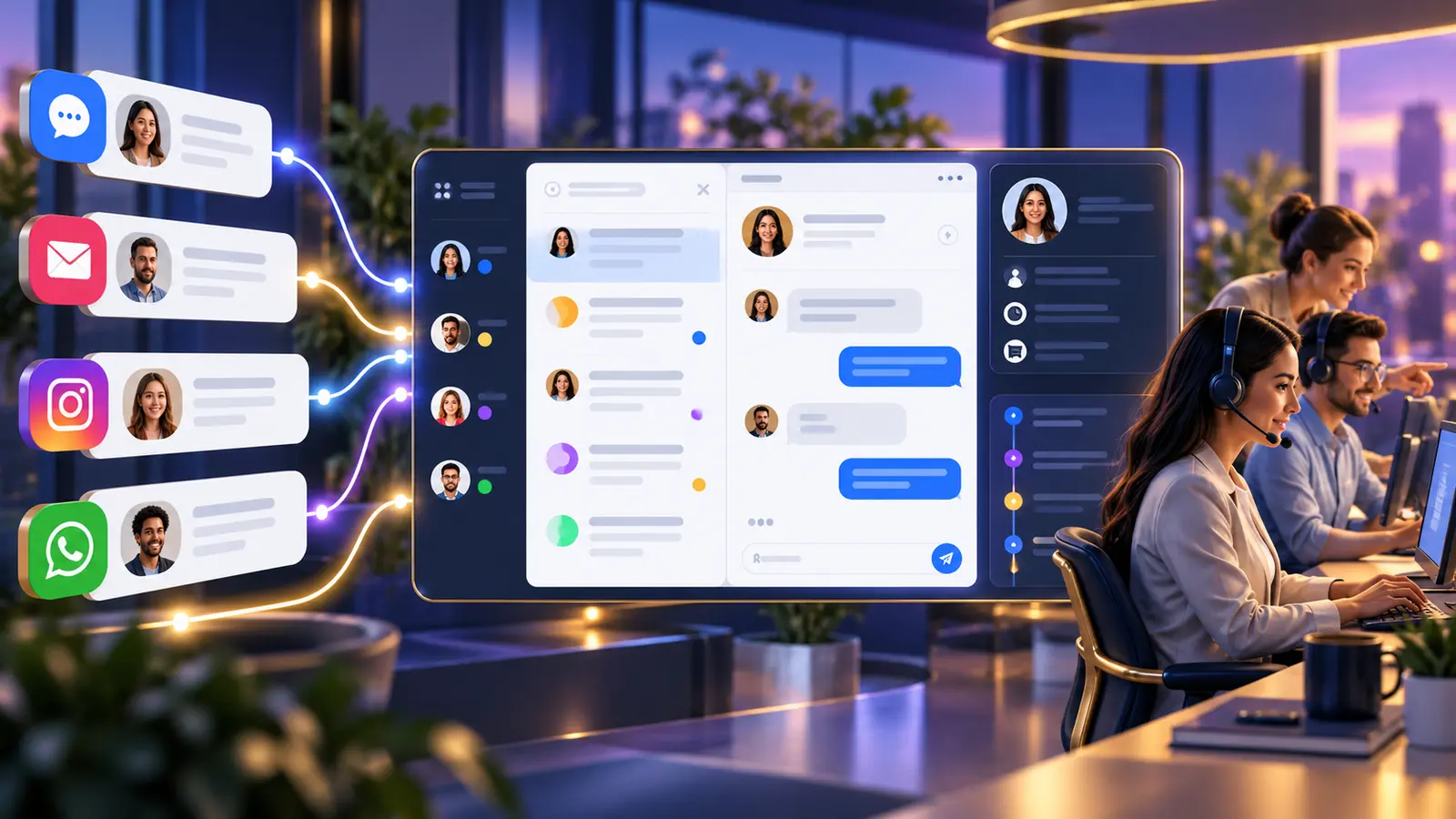
An omnichannel shared inbox brings supported conversations from different customer channels into a common team workspace where they can be assigned, answered, handed over and reviewed.
Direct answer
What is an omnichannel shared inbox?
It is a team workspace that collects supported customer conversations from channels such as WhatsApp, website live chat, email and social messaging. Agents use individual accounts, conversations have visible ownership, and history remains available when the customer changes channel or the conversation changes hands.
The purpose is not merely to place messages on one screen. It is to make ownership, context and service continuity consistent across channels.
Core capabilities
What makes the inbox genuinely omnichannel
The quality of the operating model matters more than the number of channel icons.
Connected channels
Messages from supported channels enter defined inboxes without requiring agents to monitor separate personal accounts.
Customer identity and history
Available identifiers and previous interactions help the team understand the relationship, subject to channel and integration limits.
Assignment and routing
Conversations can be assigned manually or through agreed rules so responsibility is visible.
Internal collaboration
Private notes and handover allow colleagues to coordinate without exposing internal discussion to the customer.
Consistent response resources
Saved replies and knowledge help teams answer recurring questions accurately.
Queue and workload visibility
Supervisors can review waiting, assigned and resolved work across the connected operation.
Practical process
How an omnichannel conversation moves through the team
The details vary by business, but the accountability model should remain consistent.
A customer uses a preferred channel
The enquiry may begin on the website, WhatsApp, email or a supported social channel.
The message enters the correct inbox
Channel, team or routing rules place it in the relevant queue.
An agent takes ownership
Assignment indicates who is responsible for the next response.
Context supports the reply
History, notes, labels and connected customer data help the agent respond.
The conversation is handed over when needed
Another agent or department receives the same thread and internal context.
The team learns from patterns
Repeated questions and delays can guide knowledge, staffing and automation.
Why businesses adopt it
The operational benefits go beyond convenience
A shared inbox becomes valuable when it changes accountability and customer continuity.
Fewer missed conversations
A visible queue is easier to supervise than several personal devices and disconnected applications.
Less duplicate work
Ownership reduces the chance that two people answer the same customer.
Faster handover
History and internal notes travel with the conversation.
More consistent answers
Shared resources reduce contradictory information across departments.
Better resilience
Service does not depend on one person's device, memory or availability.
Clearer management visibility
Supervisors can see queue health and recurring process issues.
Implementation guidance
What omnichannel does not automatically solve
The platform supports a customer service process. It cannot replace business decisions or guarantee that every channel behaves identically.
Different channel capabilities
Message types, identity, history and automation can vary between channels and providers.
Unclear ownership
If departments have not agreed who handles what, the inbox will only make the disagreement more visible.
Incomplete customer data
A CRM or system integration may be required when agents need information beyond the conversation.
Poor knowledge maintenance
Saved replies and automated answers become risky when nobody owns their accuracy.
TekkChat topic cluster
Continue from the question you are answering today
These connected resources explain the relevant product, sector workflow and automation decisions in greater depth.
Frequently asked questions
Omnichannel shared inbox questions
Is omnichannel the same as multichannel?
Multichannel means using several channels. Omnichannel aims to make those channels part of one connected customer journey and operating process.
Will every channel show the same customer history?
Not automatically. Identity and history depend on channel data, account configuration and any CRM integration.
Can agents reply from one workspace?
Yes, for channels connected and supported by the deployment, subject to each provider's rules.
Can conversations be routed to different departments?
Yes. Team, inbox and routing design can reflect sales, support, billing or other agreed queues.
Does an omnichannel inbox include a chatbot?
Automation can be added, but a shared inbox and a chatbot are separate capabilities.
Can we begin with one channel?
Yes. Starting with a high-value channel and expanding after the workflow is stable is often sensible.
Talk to TekkPak
Bring customer channels into one accountable service process
TekkPak can help you identify which channels belong in TekkChat, how ownership should work and where integration adds genuine value.
Discover more from TekkPak Technologies
Subscribe to get the latest posts sent to your email.