WhatsApp · Odoo CRM · Lead Automation
How to Connect WhatsApp Enquiries to Odoo CRM
Plan a reliable lead capture workflow that maps customer information, prevents duplicates, assigns ownership and keeps follow-up accountable.
Direct answer
A WhatsApp enquiry can become an Odoo CRM lead through a validated integration workflow
The useful outcome is not merely receiving a message. The business needs a structured record with the right information, ownership and next activity.
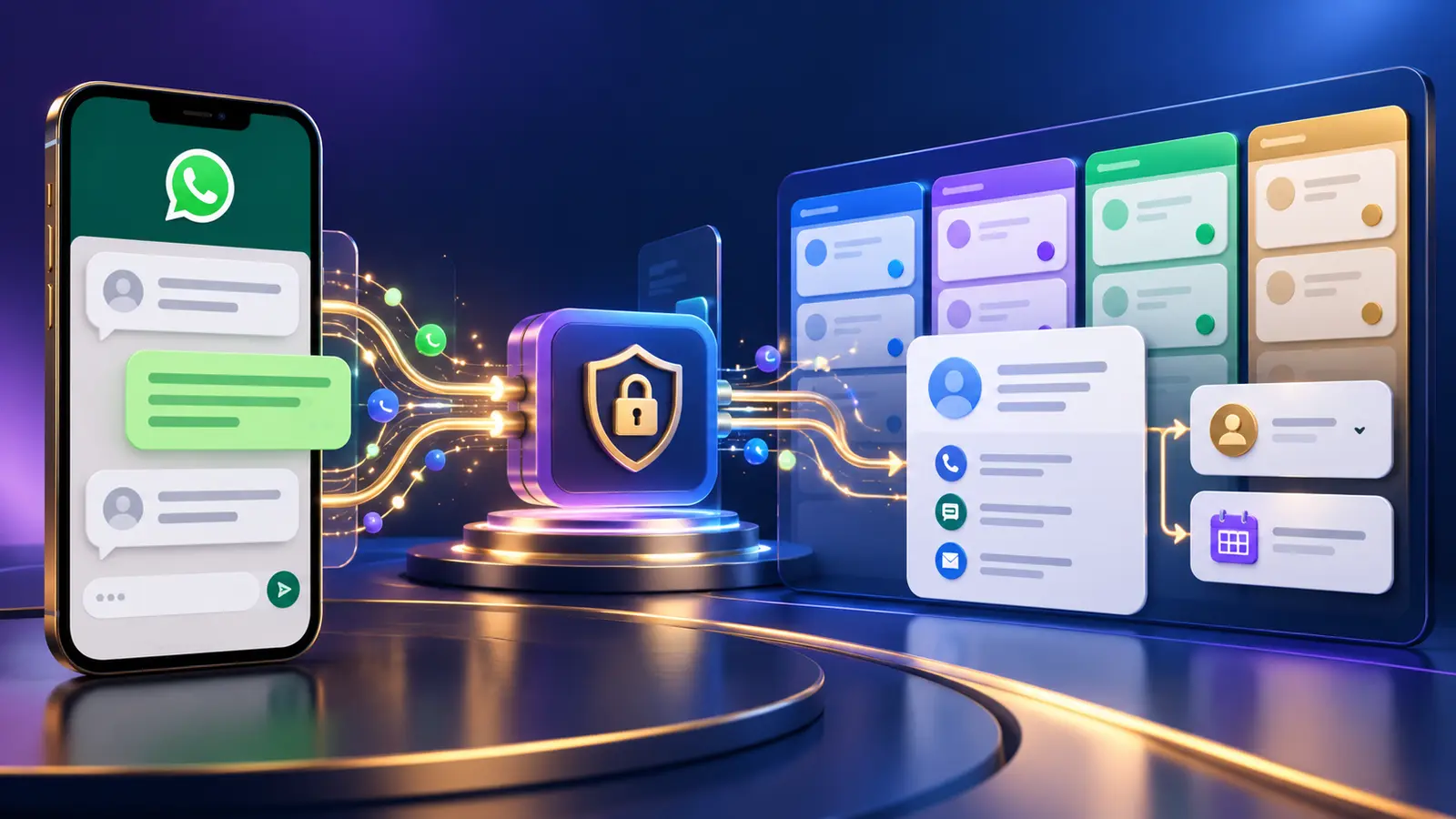
A WhatsApp-to-Odoo CRM integration receives customer input, validates and normalizes it, searches for an existing contact or opportunity, and then creates or updates the appropriate CRM record. Assignment, notifications and acknowledgements are configured around the business's own sales process.
Core design decisions
What must be decided before connecting WhatsApp to Odoo CRM
Lead or opportunity
Choose the Odoo record type and stage that represents a new WhatsApp enquiry.
Required fields
Map name, mobile number, enquiry type, source and any qualifying answers to suitable fields.
Duplicate policy
Decide whether to update an existing contact, append to an opportunity or create a new record.
Ownership rule
Assign by team, product, territory, rotation or another agreed rule.
Acknowledgement
Set a clear receipt message without promising an unverified response time.
Follow-up activity
Create an appropriate call, message or review activity for the responsible person.
End-to-end process
How the WhatsApp-to-Odoo CRM workflow operates
Data mapping
Map customer input to fields the sales team will actually use
A technically successful integration can still fail operationally if records are incomplete or difficult to understand.
Contact identity
Store the customer name and normalized WhatsApp number in consistent formats.
Enquiry context
Record the product, service, location or need that prompted the enquiry.
Source attribution
Mark WhatsApp and the specific journey as the source for later reporting.
Conversation summary
Pass useful context without copying unnecessary or sensitive material.
Consent and preferences
Record relevant communication preferences when the process requires them.
Technical trace
Retain an integration reference so errors and duplicates can be investigated.
Automation rules
Use Odoo automation to support responsibility, not to hide it
Automation should make ownership clearer and remove repetitive administration.
Notify the correct people
Alert the assigned salesperson or team when a qualifying enquiry arrives.
Create a review activity
Give the record a defined next step instead of leaving it unattended.
Send a careful acknowledgement
Confirm receipt and explain what the customer should expect next.
Escalate exceptions
Flag unassigned, incomplete or overdue enquiries for review.
Measure operational outcomes
Track response, qualification and progression using reliable CRM fields.
Keep a human decision point
Let people qualify unusual, high-value or sensitive enquiries.
Connected authority guide
See how the complete WhatsApp business automation model fits together
This article forms part of TekkPak's connected guide to WhatsApp Flows, CRM, Helpdesk, messaging rules and implementation planning.
Choose your next step
Turn this topic into a practical workflow for your business
Discuss Your WhatsApp Automation Requirement
Describe the customer journey and business outcome you want to improve. TekkPak can help assess the Flow, integration and operating process.
Speak with a Solutions Consultant
Call our office to discuss WhatsApp, Odoo CRM, Helpdesk and workflow automation.
Share Your Workflow by Email
Send the current process, systems involved and the result your team needs.
Frequently asked questions
Questions about connecting WhatsApp enquiries to Odoo CRM
Can WhatsApp automatically create an Odoo CRM lead?
Yes, when a suitable API or integration workflow is configured with the necessary permissions and field mapping.
How can duplicate leads be prevented?
Normalize phone numbers and define rules for matching existing contacts and open opportunities before creating a new record.
Can leads be assigned automatically?
Yes. Assignment may use team, territory, product or another rule supported by the agreed implementation.
Should the full WhatsApp conversation be copied into CRM?
Only useful and appropriate context should be stored. Avoid unnecessary personal or sensitive information.
Can Odoo acknowledge the enquiry automatically?
An automation can send or initiate an acknowledgement when the required channel, template and rules are configured.
What happens if Odoo is unavailable?
The integration should log the failure, avoid duplicate retries, alert an administrator and give the customer an appropriate fallback.
Build a WhatsApp lead capture workflow your sales team can trust
TekkPak Technologies can help define the data model, integration rules and Odoo CRM follow-up process. Existing customers can also use the TekkPak customer portal.
Discover more from TekkPak Technologies
Subscribe to get the latest posts sent to your email.