WhatsApp Templates · Service Messaging · Costs
WhatsApp Templates, Service Conversations and Messaging Costs: What Businesses Should Know
A careful planning guide to template approval, customer-initiated messaging, automation triggers and the factors that may affect charges.
Direct answer
A Flow, template and conversation category are related, but they are not the same thing
Businesses often assume that an approved template or a WhatsApp Flow automatically determines whether every interaction is a service message. The actual assessment depends on the message, trigger, timing and current platform rules.
WhatsApp message templates are pre-approved message formats used for defined business communications. Customer-initiated conversations and business-initiated messages may follow different rules. Pricing and eligibility can depend on message category, destination, timing, provider and current Meta policies. Review the exact journey and current official pricing before launch.
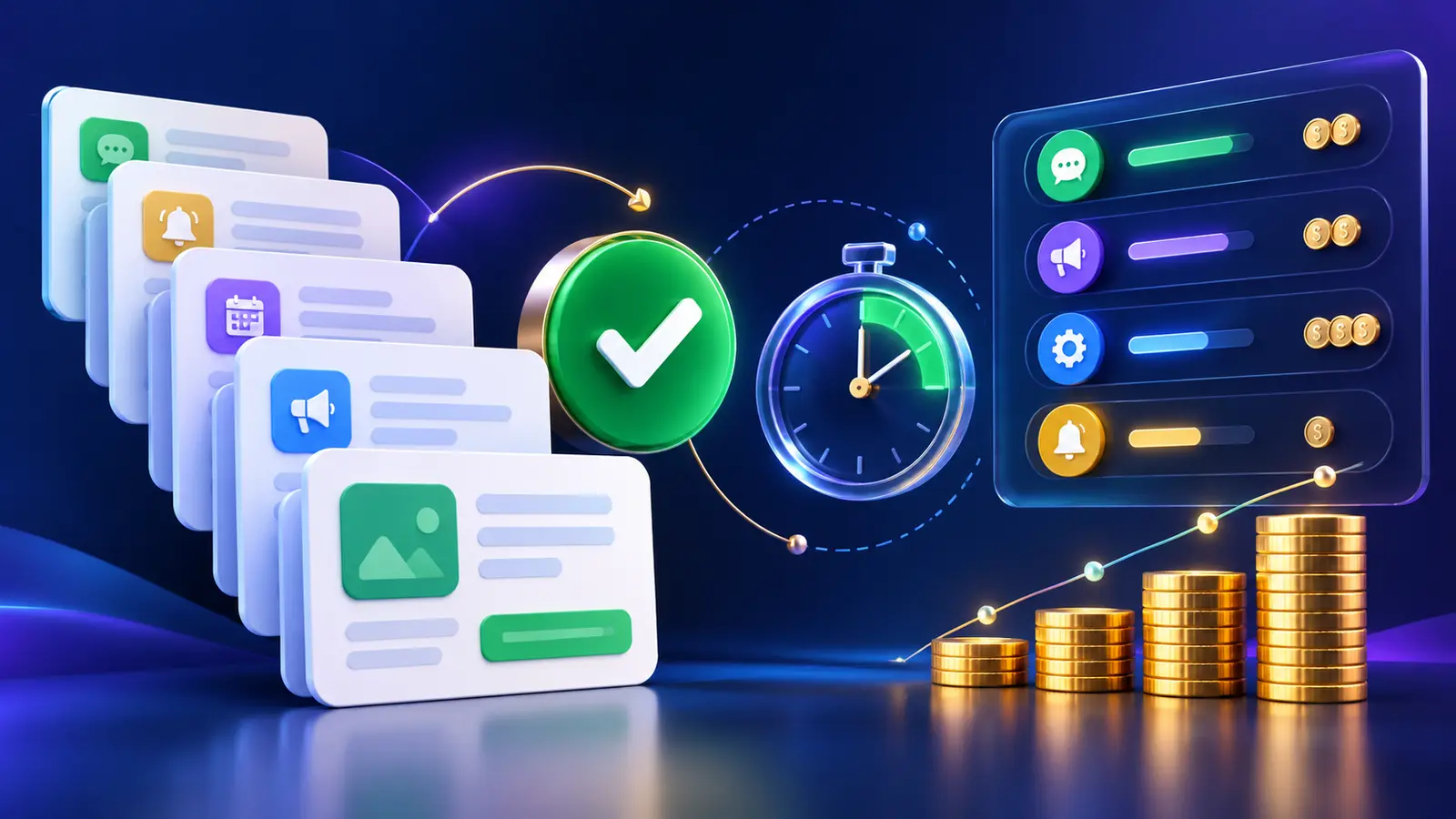
Key distinctions
Separate these concepts when estimating compliance and cost
Customer initiation
A customer starting the conversation can affect which messages may be sent during the applicable service window.
Business initiation
A business starting or restarting contact may require an approved template, depending on current rules.
Template category
Templates are reviewed under defined categories. The submitted purpose and actual content should align.
WhatsApp Flow
A Flow is a guided experience. Connecting it to a template does not alone determine the category of every message.
Automation trigger
The event that sends a message matters, including who initiated the interaction and when.
Pricing inputs
Destination, category, provider charges and policy changes may all affect the final cost.
End-to-end process
How to review a WhatsApp messaging journey before launch
Template design
What makes a useful WhatsApp message template
A template should be specific, truthful and understandable without unnecessary promotional language.
State the purpose clearly
The recipient should immediately understand why the business is contacting them.
Use variables carefully
Populate names, references and dates from verified records and provide safe fallbacks.
Keep buttons relevant
Use quick replies, website links or call actions that directly support the message purpose.
Avoid mixed intent
Combining operational information with promotion can affect classification and customer trust.
Test every variable
Prevent blank, malformed or sensitive data from appearing in customer messages.
Respect consent and opt-out
Follow applicable consent requirements and provide appropriate controls.
Cost governance
How businesses can control messaging cost and risk
Cost management begins with accurate journey mapping and continues through monitoring.
Use automation only when useful
Do not send messages simply because a trigger exists.
Prefer customer value
Send updates customers reasonably expect and can act upon.
Monitor by destination
International volumes and pricing inputs may vary by country.
Review provider fees
A technology provider may charge separately from platform messaging charges.
Audit template use
Check that templates are used for the approved purpose and current process.
Recheck policy changes
Pricing and classification rules can change, so review official sources regularly.
Connected authority guide
See how the complete WhatsApp business automation model fits together
This article forms part of TekkPak's connected guide to WhatsApp Flows, CRM, Helpdesk, messaging rules and implementation planning.
Choose your next step
Turn this topic into a practical workflow for your business
Discuss Your WhatsApp Automation Requirement
Describe the customer journey and business outcome you want to improve. TekkPak can help assess the Flow, integration and operating process.
Speak with a Solutions Consultant
Call our office to discuss WhatsApp, Odoo CRM, Helpdesk and workflow automation.
Share Your Workflow by Email
Send the current process, systems involved and the result your team needs.
Frequently asked questions
Questions about WhatsApp templates, service messages and charges
Does attaching a Flow to a template make every message a service message?
No. A Flow, template, trigger and conversation context are separate factors. The current rules and actual message purpose must be reviewed.
When is an approved template required?
Business-initiated or automated messaging may require a template depending on the timing, trigger and current platform rules.
Does Odoo require templates for automated WhatsApp messages?
Odoo 19 documentation states that one or more WhatsApp templates must be created to use its automated Send WhatsApp action.
Are customer-initiated conversations always free?
Do not assume this. Charges can depend on current platform pricing, message type, destination and provider fees.
Can a template contain buttons?
Odoo documents quick reply, website and call number button options for WhatsApp templates.
How can a business avoid unexpected costs?
Map every trigger, estimate volume by country and category, review current official pricing, include provider fees and monitor actual usage.
Review the complete message journey before estimating WhatsApp cost
TekkPak Technologies can help map triggers, templates, Flows, integrations and operational controls without making unsupported cost assumptions. Existing customers can also use the TekkPak customer portal.
Discover more from TekkPak Technologies
Subscribe to get the latest posts sent to your email.