
Powerful Odoo WhatsApp Integration: Transform Business Automation
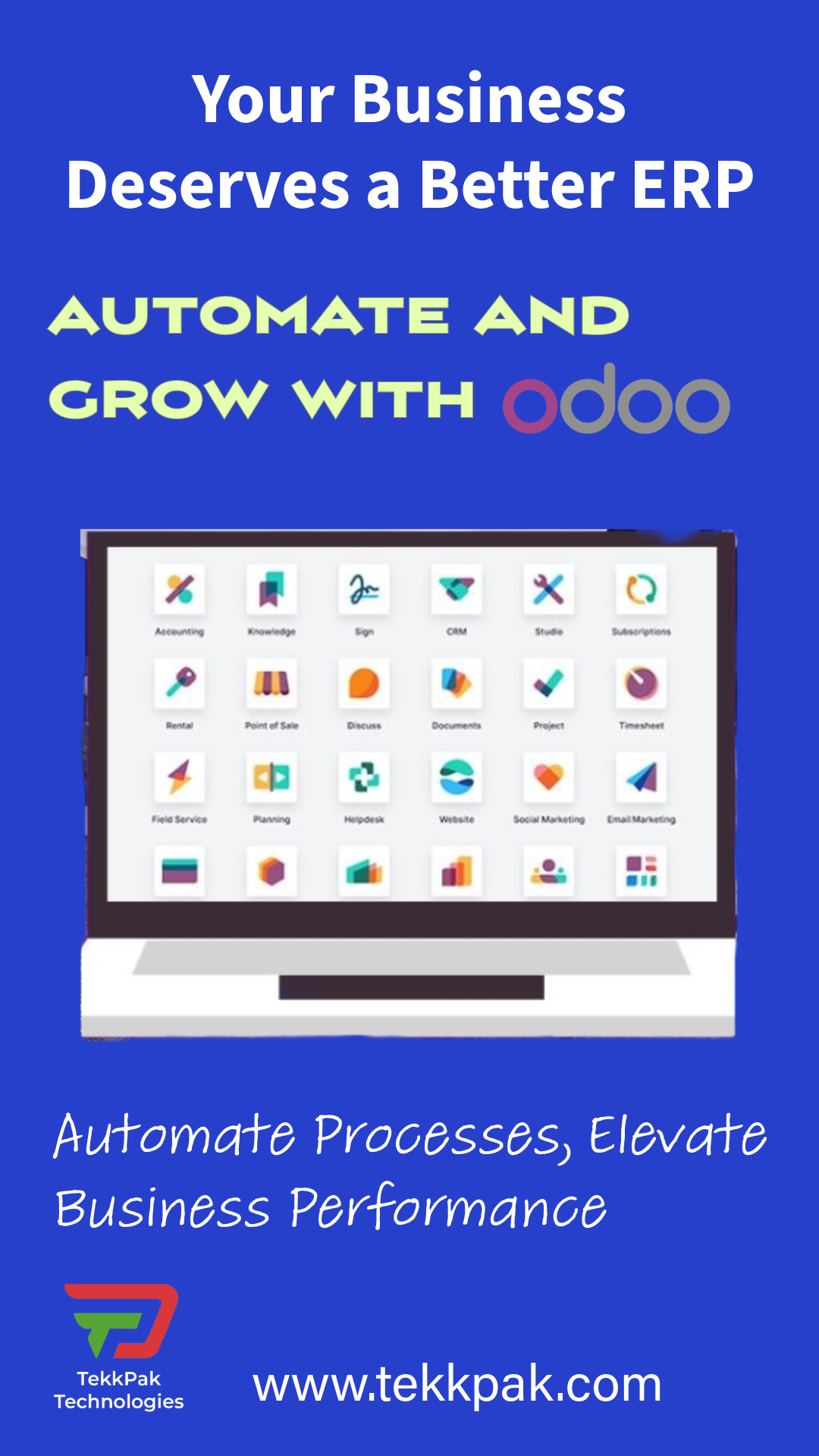
Welcome to TekkPak Technologies. In today’s fast-paced digital landscape, Business Automation is no longer a luxury—it's a necessity. By leveraging WhatsApp integration with Odoo, businesses can instantly bridge the gap between their backend ERP systems and front-line customer communication.
How Odoo Users Benefit from WhatsApp Integration
Traditional email open rates hover around 20%, but WhatsApp boasts an open rate of over 98%. When you deploy an Odoo WhatsApp integration, you are placing your business directly in your customer's pocket. Odoo Automation handles the heavy lifting, allowing your team to focus on growth rather than manual follow-ups.
Instant Document Delivery
Odoo automatically sends beautifully formatted PDFs directly to the client's WhatsApp the second an invoice or quotation is validated.
24/7 Automated Responses
Combine Odoo with a WhatsApp chatbot to answer FAQs and capture leads automatically, syncing all data securely back into your CRM.
High-Impact Use Cases for Workflow Automation
Workflow Automation is about creating seamless transitions between departments. Here are a few ways this integration transforms daily operations:
- E-Commerce Abandoned Carts: Automatically send a friendly WhatsApp reminder with a direct checkout link 1 hour after a cart is abandoned in your Odoo eCommerce store.
- Field Service & Appointments: Send automated booking confirmations, technician tracking updates, and post-service feedback surveys directly to customers' phones.
- Helpdesk Notifications: Alert your support team on WhatsApp when high-priority tickets are created, and notify customers instantly when their issue is resolved.
Explore TekkPak's Ecosystem
Official Odoo Partners
Need help setting up your ERP? As official partners, we offer end-to-end Odoo implementation, customization, and local market expertise.
Explore Odoo Services →WhatsApp AI Chatbot
Supercharge your sales team. Deploy our AI-powered conversational bots to qualify leads on WhatsApp before they even reach a human agent.
View AI Chatbots →Ultimate Telephony: 3CX, Grandstream & Odoo
Why stop at text messaging? TekkPak Technologies specializes in bridging your VoIP infrastructure with your ERP. By integrating 3CX or Grandstream UCM PBX systems with Odoo, we provide genuine Unified Communications. Benefit from one-click dialing directly from Odoo CRM, instant caller-ID screen pops before you even pick up the phone, and automated call logging linked to specific customer records.
How to Integrate WhatsApp with Odoo (Beginner's Guide)
Connecting your system might sound highly technical, but it is actually a straightforward process. Follow these 6 simple steps to get your automated messaging up and running.
1. Sign Up as a Meta Developer
First, go to developers.facebook.com and log in with your standard Facebook account. Click "Get Started" to register as a developer. This is completely free and gives you access to the background tools needed for WhatsApp Business.
2. Create Your Business App
Once logged in, click "Create App" and select the "Business" type. Give your app a recognizable name (like "My Company Odoo"). On the next screen, find the "WhatsApp" product and click set up to add it to your app.
3. Add Your Phone Number
Meta will provide a temporary test number, but you want to use your real business number. Follow the prompts to add your actual phone number and verify it by receiving a quick text message (SMS) code.
4. Copy Your Secret Keys
Odoo needs special passwords to talk securely to WhatsApp. Look in your new Meta dashboard for your "App ID," "Phone Number ID," and generate a permanent "Access Token." Copy these down and keep them very safe!
5. Install the Odoo Module
Now, open your Odoo database. Go to the main "Apps" menu, search for the official "WhatsApp" app, and click install. This adds the messaging features directly into your Odoo CRM and Sales dashboards.
6. Paste Keys & Start Automating
Open the WhatsApp settings inside Odoo and simply paste the three secret keys you copied in Step 4. You can now create message templates (like "Your order is confirmed!") and set them to send automatically to customers.
Watch the Video Guide
Automate Your Business Today
Struggling with API keys, webhooks, or Meta approvals? Let TekkPak’s engineering team handle the heavy lifting. Contact us to seamlessly bridge your Odoo ERP with WhatsApp and VoIP systems.